Joining Minecraft community events across devices should be simple, but technical hurdles often leave players frustrated. Whether you're on Java or Bedrock Edition, connecting to vibrant multiplayer events demands the right setup and knowledge. This guide walks you through every step needed to participate seamlessly in cross-platform community events, from initial configuration to maximizing rewards and troubleshooting common issues that block your access.
Table of Contents
- Prerequisites: What You Need Before Joining Minecraft Community Events
- Step 1: Setting Up Cross-Platform Play For Minecraft Community Events
- Step 2: Engaging In Custom Content And Player Economy During Events
- Step 3: Common Problems And How To Troubleshoot Them
- Step 4: Community Incentives, Founder Ranks, And Reward Systems
- Step 5: Expected Outcomes And How To Measure Your Success
- Explore Epic Cross-Platform Minecraft Events On Gaia Legends
- Frequently Asked Questions About Minecraft Community Events
Key takeaways
| Point | Details |
|---|---|
| Cross-platform requires proper tech | Bedrock supports native crossplay while Java needs plugins like GeyserMC for Bedrock interoperability. |
| Economy systems boost retention | Custom shops and trading can increase player retention by up to 50%. |
| Anti-grief protects your work | Claim systems and anti-grief plugins ensure builds stay safe during multiplayer events. |
| Voting unlocks exclusive rewards | Regular voting increases return rates by about 20% and grants special in-game items. |
| Version sync prevents errors | Matching client versions with server requirements solves most connection failures. |
Prerequisites: what you need before joining Minecraft community events
Before diving into any Minecraft community event, preparation determines success. First, ensure you have either Minecraft Java Edition or Bedrock Edition installed with the latest compatible version. Check your server's version requirements to avoid mismatch errors that block connections.
Stable internet is non-negotiable. Community events demand consistent connectivity, so test your network speed and configure firewall settings to allow Minecraft server traffic. Router ports may need forwarding depending on your setup.
You'll need a valid Minecraft account with multiplayer permissions enabled. Some networks restrict multiplayer access, so verify your account settings beforehand. Obtain the official server IP address or join link from trusted sources, avoiding unofficial copies that might lead to security risks.
Understanding edition differences matters significantly. Minecraft's Bedrock Edition supports cross-platform play natively across consoles, PC, and mobile, while Java Edition requires third-party plugins like GeyserMC for crossplay with Bedrock users. Knowing which edition you use shapes your setup approach.
Gather these essentials before attempting to join:
- Compatible Minecraft edition with updated version matching server requirements
- Stable internet connection with firewall and router configured for server traffic
- Valid Minecraft account with active multiplayer permissions
- Official server IP address or verified join link from community sources
- Basic knowledge of your edition's crossplay capabilities and limitations
With these prerequisites met, you're ready to configure cross-platform access and join engaging community events.
Step 1: setting up cross-platform play for Minecraft community events
Configuring cross-platform multiplayer opens doors to diverse community events. Start by selecting servers designed for both Java and Bedrock players. Using dedicated cross-platform servers dramatically reduces latency and connection issues compared to third-party bridging plugins, improving multiplayer event experience quality.
Follow these steps to enable cross-platform participation:
- Identify servers offering native Java and Bedrock support or verify GeyserMC plugin availability.
- Synchronize your Minecraft client version with the server's required version to prevent errors.
- Add the server IP to your multiplayer server list using the correct format for your edition.
- Test the connection during off-peak hours to troubleshoot issues before major events.
- Configure GeyserMC settings if you're joining a Java server from Bedrock or vice versa.
Dedicated cross-platform servers provide superior performance. These purpose-built environments offer up to 50% lower latency compared to plugin-based solutions, ensuring smooth event participation without lag spikes or disconnections.
Pro Tip: Always verify server status through official channels before event start times. Server maintenance or unexpected downtime can occur, and checking ahead saves frustration.
Compare your options carefully:
| Server Type | Latency | Setup Complexity | Player Compatibility |
|---|---|---|---|
| Native Cross-Platform | Low | Simple | Java + Bedrock |
| GeyserMC Bridge | Medium | Moderate | Java + Bedrock |
| Java Only | Lowest | Simple | Java Only |
| Bedrock Only | Lowest | Simple | Bedrock Only |
Once configured correctly, your client should connect smoothly. Keep the official server IP saved and updated as communities occasionally migrate to new hosting platforms. This foundation ensures you're always ready when events launch.
Step 2: engaging in custom content and player economy during events
Participation goes beyond simply logging in. Community events thrive on custom content that enriches gameplay and rewards active involvement. A well-designed player economy with shops, trading, and auctions enhances player engagement and encourages sustained participation in community events.
Dive into custom quests designed specifically for community events. These hand-crafted challenges offer unique rewards unavailable through standard gameplay. Join PvP tournaments that test your skills against other players while earning exclusive gear with special effects.
Player-run shops and auction houses form the economic backbone. Use these systems to trade resources, purchase rare items, and sell your crafted goods. Smart economic participation accelerates your progression and unlocks content faster than solo play.
Anti-grief plugins and claim systems are essential in community Minecraft servers to protect player builds during multiplayer events, preserving creativity and fairness. Respect protected areas and claim your own build zones to prevent grief during busy event periods.
Maximize your event experience through these actions:
- Accept available quests immediately upon joining events to start earning rewards early
- Browse player shops for competitive prices on items needed for event challenges
- Participate in scheduled auctions to acquire rare gear not available elsewhere
- Claim your build area using server protection systems before starting major projects
- Vote regularly for the server to unlock exclusive voting rewards and perks
- Review community event rules posted on server websites or in-game boards
Pro Tip: Set reminders for recurring events like weekly tournaments or auction nights. Consistent participation builds reputation and increases reward accumulation over time.
Understanding event schedules prevents missed opportunities. Most servers publish calendars listing upcoming events, special content releases, and limited-time challenges. Bookmark these resources and check them weekly.
Step 3: common problems and how to troubleshoot them
Technical issues inevitably arise during community events. Version mismatch errors top the list of connection failures. When you see error messages about incompatible versions, update your Minecraft client to match the server's required version number.
Firewall and router settings block connections more often than players realize. Configure your firewall to allow Minecraft traffic through standard ports (25565 for Java, 19132 for Bedrock). Some routers require manual port forwarding in their admin panels.
Double-check server IP addresses and join links. Typos in IP entry cause failed connections that appear as server downtime. Always copy and paste official IPs from verified community sources rather than typing manually.
Server rules violations lead to warnings or bans that prevent event participation. Read posted guidelines carefully before joining events. Common violations include spamming chat, using inappropriate language, or exploiting bugs for unfair advantages.
Resolve persistent technical issues with these fixes:
- Update Minecraft client to the exact version specified by server requirements
- Add Minecraft to firewall exceptions and forward necessary router ports
- Verify server IP accuracy by copying from official community websites or Discord
- Review and follow all server rules to maintain good standing and avoid bans
- Restart your client completely if bugs persist after joining events
- Reinstall problematic plugins or verify game file integrity through your launcher
- Contact server support with specific error messages if standard fixes fail
Network congestion during peak event times can cause lag or disconnections. Try connecting 10 to 15 minutes before major events start to secure your spot and test stability. If lag persists, reduce render distance and turn off unnecessary visual effects.
Some events fill to capacity quickly. Servers enforce player limits to maintain performance, so early arrival matters for popular tournaments and special content releases.
Step 4: community incentives, founder ranks, and reward systems
Reward mechanisms transform casual players into dedicated community members. Voting rewards incentivize player participation and community loyalty, with servers offering exclusive in-game items or ranks for frequent voting activity. Regular voting increases player return rates by approximately 20%.
Early supporter or Founder ranks offer exclusive permanent in-game perks that enhance event participation experience, including priority access, unique items, and customization options. These limited-time ranks provide advantages that standard players cannot obtain later.
Founder ranks grant priority event access when servers reach capacity. While regular players queue or face full server messages, Founders bypass restrictions and join immediately. This benefit proves invaluable during highly anticipated events with limited slots.
Exclusive gear available only to Founder rank holders includes items with special effects unavailable through normal gameplay. These cosmetics and functional items distinguish supporters and enhance combat or building capabilities during competitive events.
Strategic use of reward programs accelerates progression:
- Vote daily across multiple server listing sites to maximize reward accumulation
- Claim voting rewards immediately to avoid missing limited-time bonuses
- Participate in events offering double rewards during special promotion periods
- Combine Founder perks with earned rewards for compounded progression benefits
- Track your reward collection to identify optimal times for major purchases or trades
Adhere strictly to event schedules and published guidelines. Maintaining good standing ensures continued access to incentive programs and prevents disqualification from reward eligibility. Communities track participation history, and consistent positive engagement unlocks additional perks over time.
Reward systems foster vibrant player environments where motivation runs high. When everyone pursues goals through fair play and active participation, the entire community benefits from increased energy and competitive spirit.
Step 5: expected outcomes and how to measure your success
Active event participation delivers measurable results beyond entertainment. Social connections form naturally during cooperative quests and competitive tournaments. Friendships built through shared Minecraft experiences often extend to other games and platforms.
Servers report 30-50% higher player retention when economy features integrate with event rewards. This statistic reflects how well-designed systems keep players engaged long-term compared to basic survival servers.
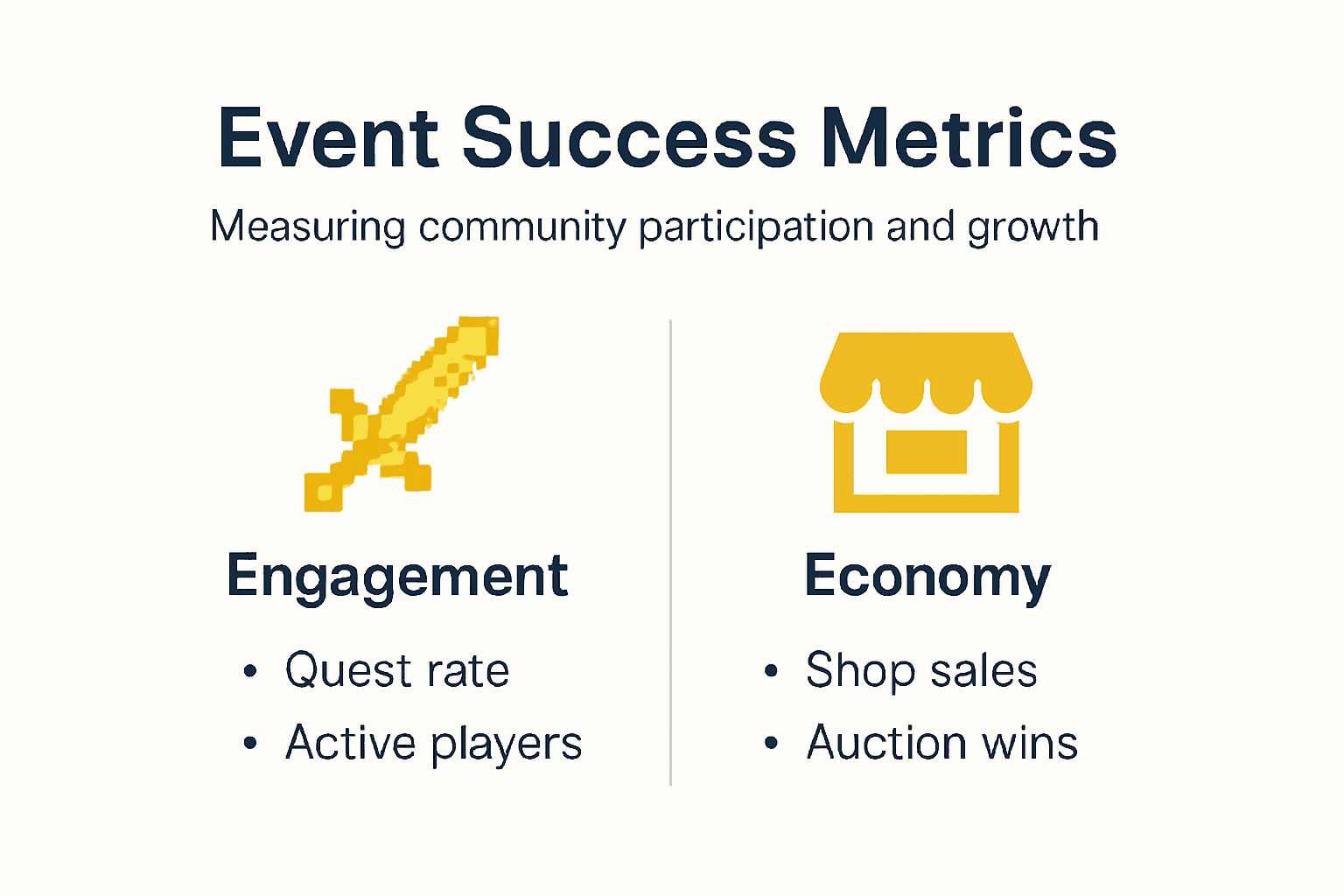
Quest completion rates and community competition rankings provide concrete progress markers. Track how many custom quests you've finished and where you place on event leaderboards. Improvement over time indicates growing skill and familiarity with server mechanics.
Cross-platform access expands your available play times and device flexibility. Lower latency on dedicated servers means smoother gameplay during critical event moments, enhancing overall experience quality.
Measure your event engagement success with these benchmarks:
| Metric | Target Range | Tracking Method |
|---|---|---|
| Quest completion rate | 60-80% of available quests | Server statistics page |
| Social connections | 5-10 regular teammates | Friends list growth |
| Reward collection | 15-25 items monthly | Personal inventory audit |
| Event attendance | 70%+ of scheduled events | Calendar participation logs |
| Leaderboard ranking | Top 30% placement | Server ranking displays |
Gather feedback from fellow players about your contributions to team events. Positive recognition from community members signals effective collaboration and valued participation.
Retention metrics matter for server health and your continued enjoyment. If you find yourself returning consistently week after week, the events are succeeding at their core purpose of sustained engagement.
Track your in-game economy growth through shop sales, auction wins, and accumulated currency. Economic success correlates with active event participation and smart resource management.
Explore epic cross-platform Minecraft events on Gaia Legends
Applying these strategies becomes effortless on platforms built for community engagement. Gaia Legends operates dedicated cross-platform servers supporting both Java and Bedrock editions natively, eliminating technical barriers that frustrate players on other networks.
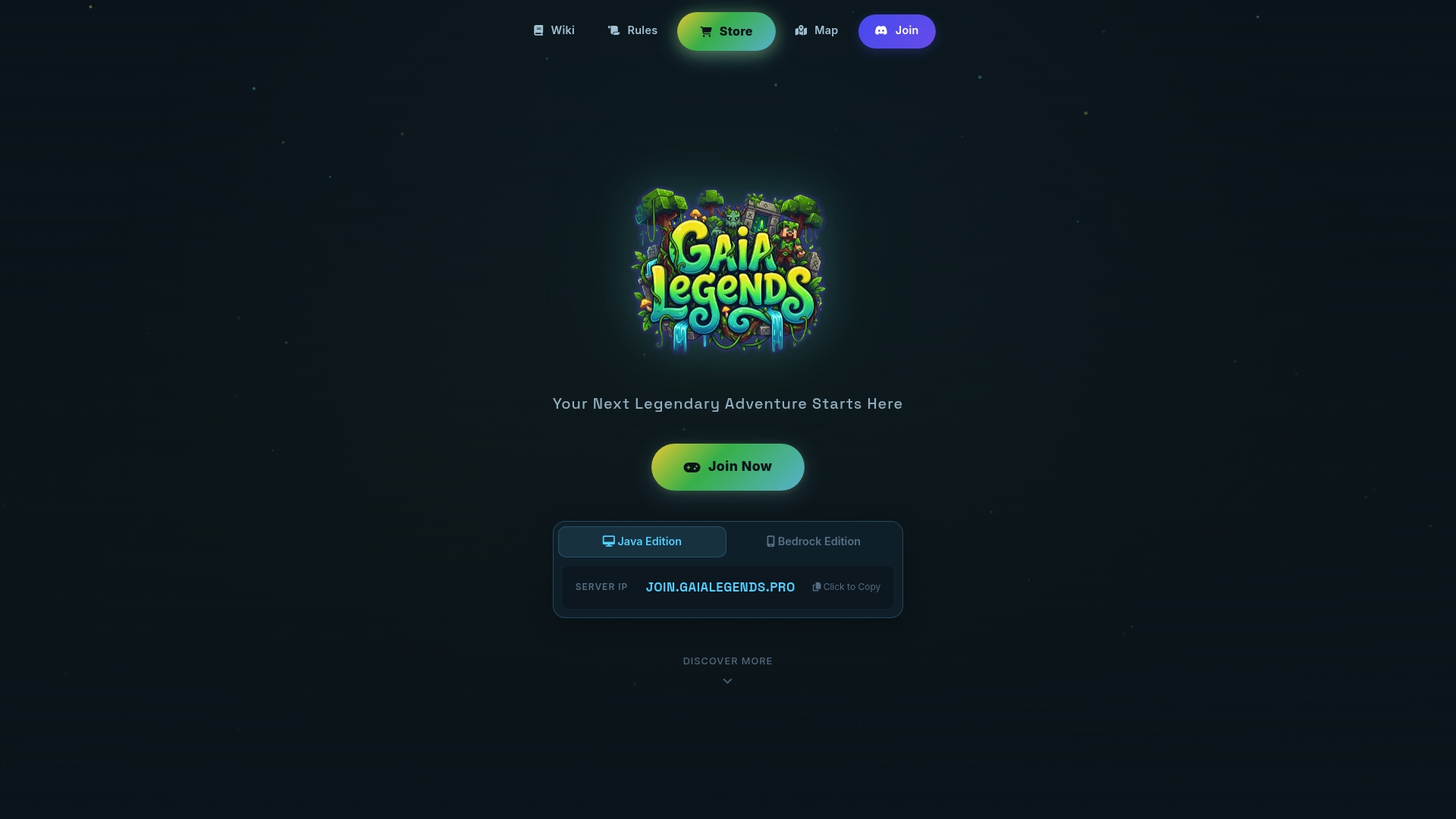
Engage in hand-crafted quests designed specifically for multiplayer collaboration. The comprehensive player economy features shops, trading hubs, and auction systems that reward active participation. Exclusive Founder ranks grant permanent in-game perks including priority event access and unique gear unavailable to standard players.
Robust anti-grief protections ensure your builds remain safe during busy multiplayer events. Dedicated claim systems preserve creativity while allowing fair competitive play. Join Gaia Legends epic Minecraft SMP adventure now to experience vibrant community-driven events that enhance your gameplay through cross-platform accessibility, custom content, and rewarding progression systems designed for sustained engagement.
Frequently asked questions about Minecraft community events
How do Bedrock and Java editions differ for crossplay event setup?
Bedrock Edition offers native cross-platform support across consoles, mobile, and PC without additional configuration. Java Edition requires third-party plugins like GeyserMC to bridge connections with Bedrock players, adding setup complexity.
What should I do if event servers are full or unreachable?
Join 10 to 15 minutes before events start to secure your spot before capacity limits trigger. Founder ranks typically grant priority access that bypasses queue systems during peak times.
How can I find safe community servers with anti-grief protection?
Look for servers explicitly advertising claim systems and anti-grief plugins in their descriptions. Read community reviews and check for active moderation teams that enforce protection rules consistently.
What benefits do Founder ranks provide compared to regular players?
Founder ranks offer permanent perks including priority event access when servers fill, exclusive gear with special effects, and unique customization options unavailable to standard players. These limited-time ranks provide lasting advantages.
How does voting impact rewards and event access?
Daily voting across server listing sites earns exclusive in-game items, currency, and sometimes temporary rank upgrades. Consistent voting increases return rates by about 20% and demonstrates community loyalty that servers reward with additional perks.